


Page 1185 - Get_Training_Catalogo_presencial_2026
P. 1185
» »

                                                                    Continuação / Continuation   16.01 | Microsoft Office
                                                                                           16.01 | Microsoft Office


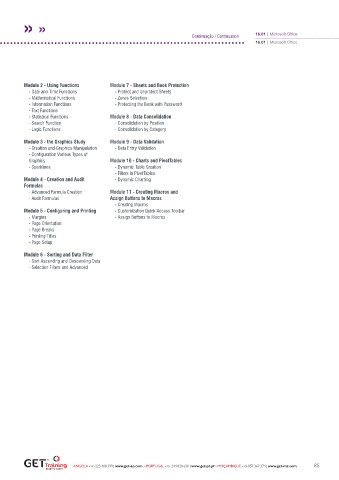
         Module 2 - Using Functions     Module 7 - Sheets and Book Protection
           - Date and Time Functions     - Protect and Unprotect Sheets
           - Mathematical Functions      - Zones Selection
           - Information Functions       - Protecting the Book with Password
           - Text Functions
           - Statistical Functions      Module 8 - Data Consolidation
           - Search Function             - Consolidation by Position
           - Logic Functions             - Consolidation by Category
         Module 3 - the Graphics Study  Module 9 - Data Validation
           - Creation and Graphics Manipulation  - Data Entry Validation
           - Configuration Various Types of
           Graphics                     Module 10 - Charts and PivotTables
           - Sparklines                  - Dynamic Table Creation
                                         - Filters in PivotTables
         Module 4 - Creation and Audit   - Dynamic Charting
         Formulas
           - Advanced Formula Creation  Module 11 - Creating Macros and
           - Audit Formulas             Assign Buttons to Macros
                                         - Creating Macros
         Module 5 - Configuring and Printing  - Customization Quick Access Toolbar
           - Margins                     - Assign Buttons to Macros
           - Page Orientation
           - Page Breaks
           - Printing Titles
           - Page Setup

         Module 6 - Sorting and Data Filter
           - Sort Ascending and Descending Data
           - Selection Filters and Advanced


                           ANGOLA +244 225 400 399 | www.get-ao.com  ∙ PORTUGAL +351 244 820 630 | www.get-pt.pt ∙ MOÇAMBIQUE +258 857 367 374 | www.get-mz.com  85

